1Upload
2Platforms
3Preview
4Download
5. Smart Resize & Repurpose
Core FeatureUpload one creative and instantly resize it for all major platforms.
-- Credits
2
1
Upload Creative
Upload your image
2
Select Platforms
Choose formats
3
Preview & Edit
Review and adjust
4
Download
Export all formats
Upload Your Creative
Upload any image and we'll automatically resize it for all platforms.
Drag & drop your image here
or
JPG, PNG, WebP up to 20MB
Recommended: High resolution image with a clear subject for best results.
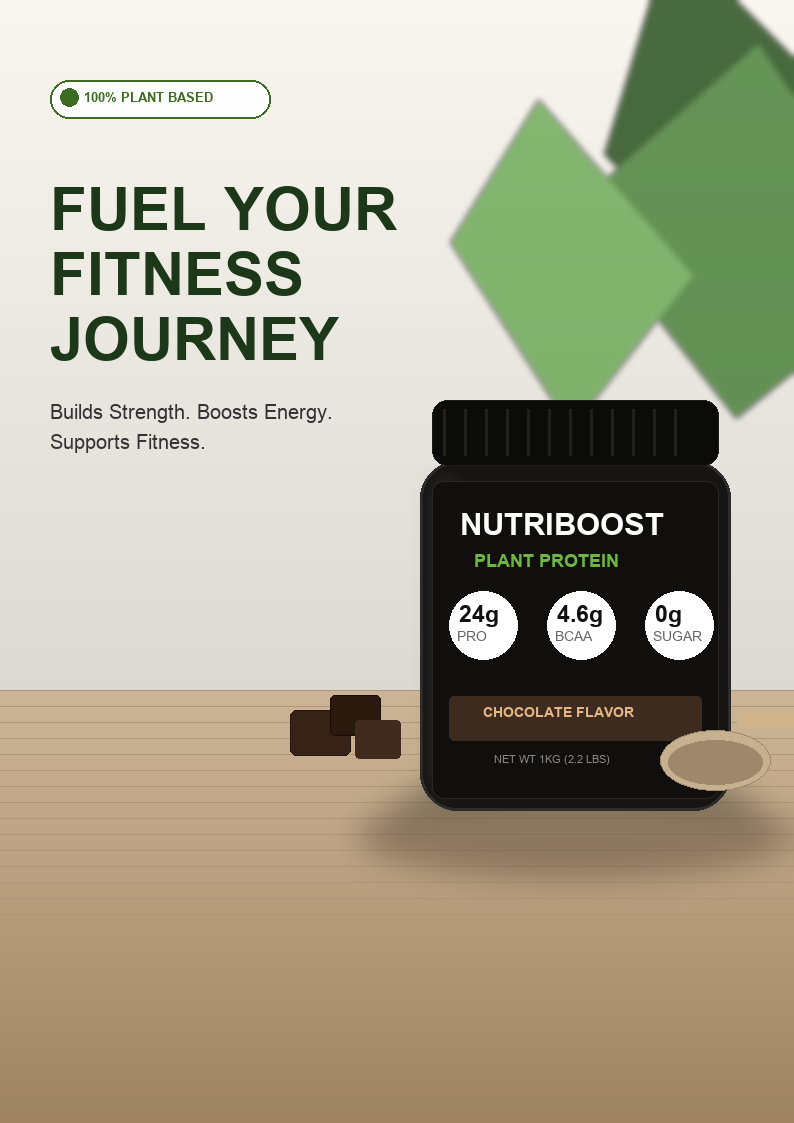
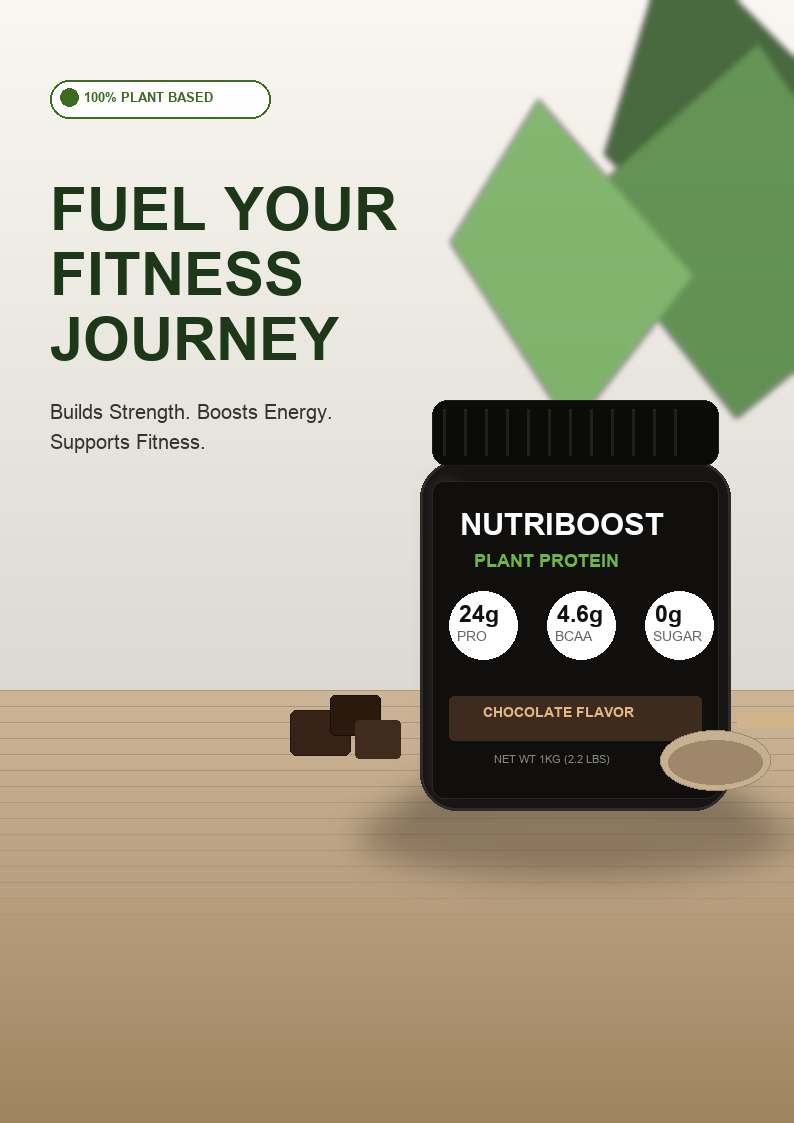
Uploaded Creative
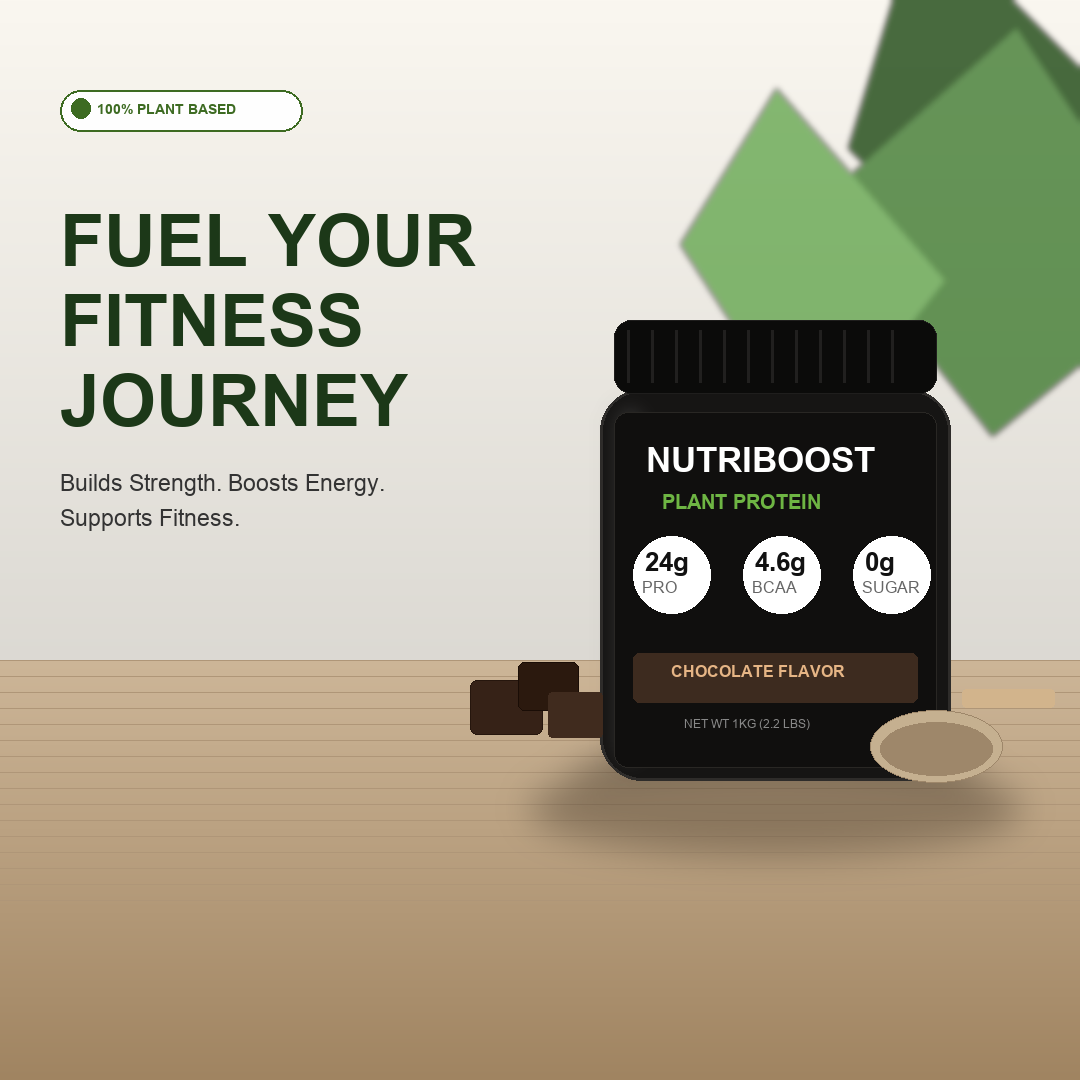
Select Platforms & Formats
Choose the platforms and formats you want to resize for.
Select All
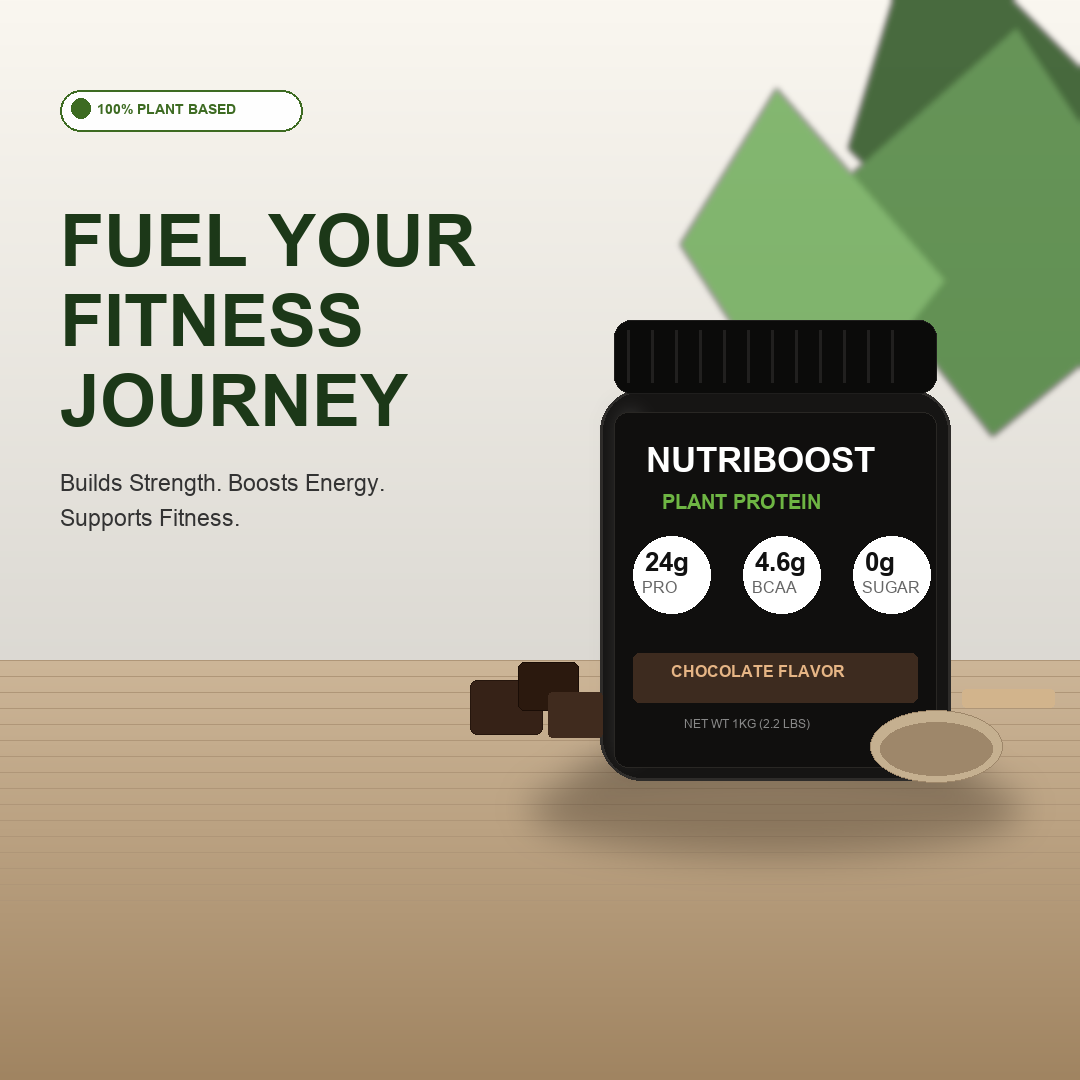
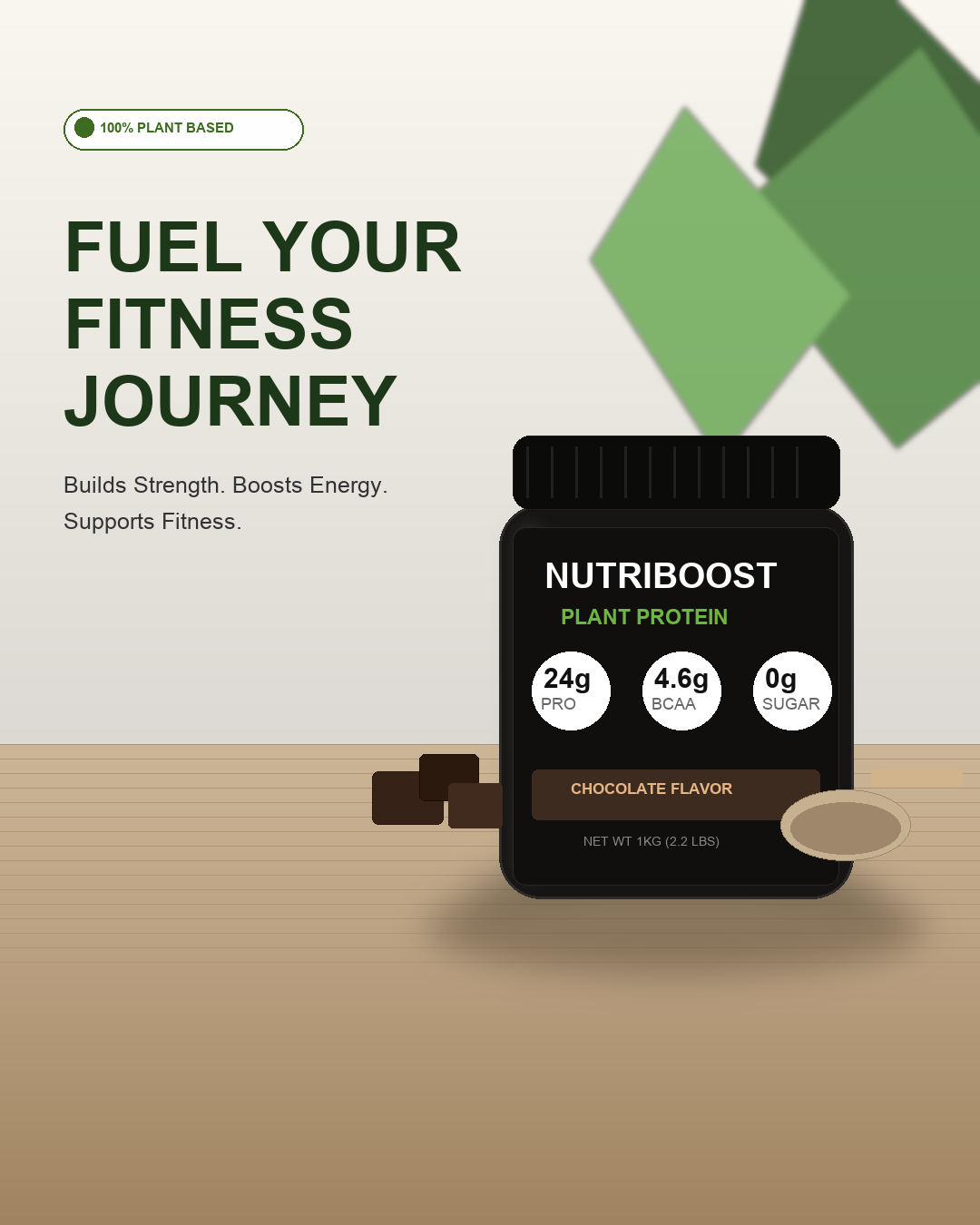
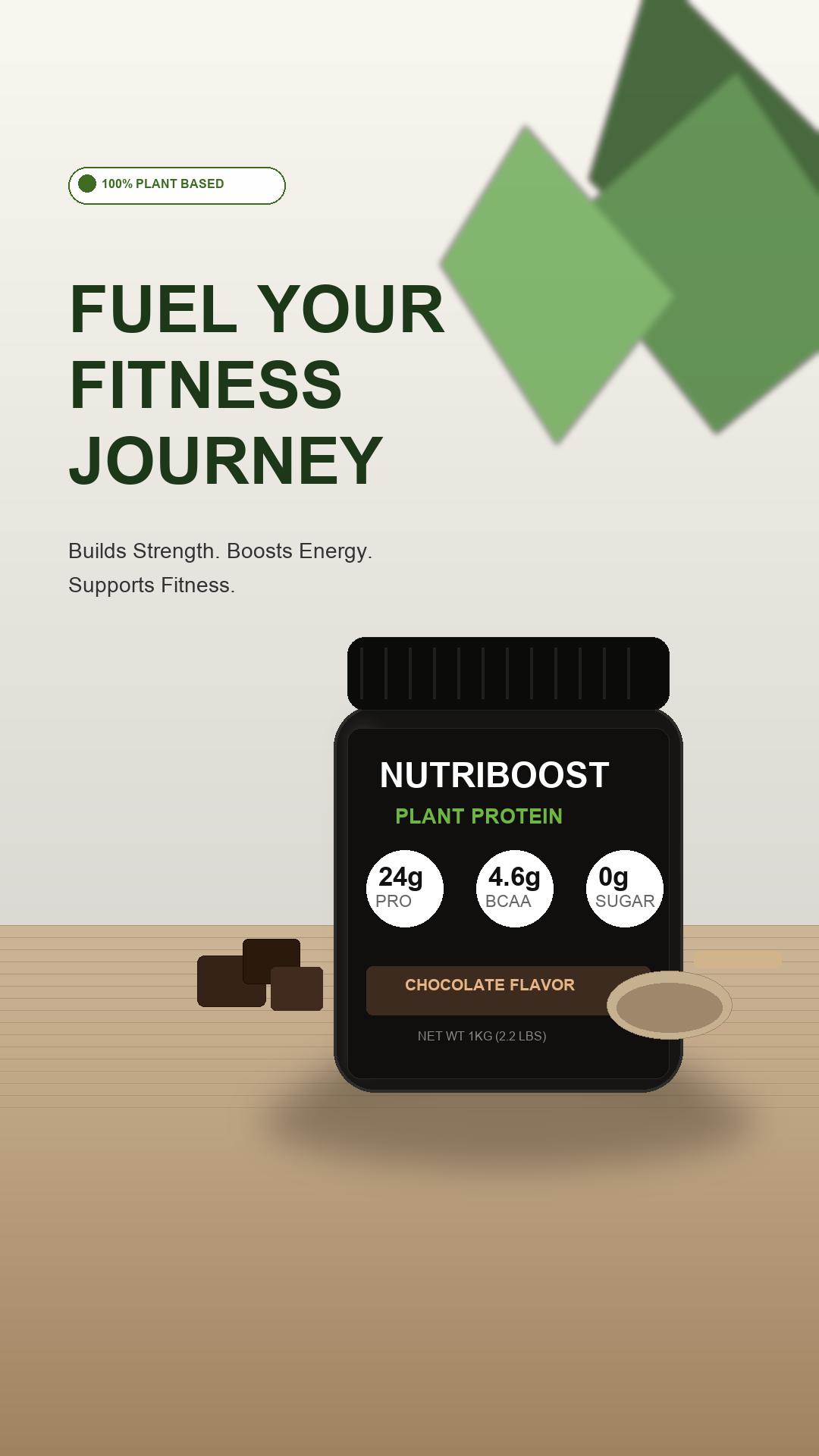

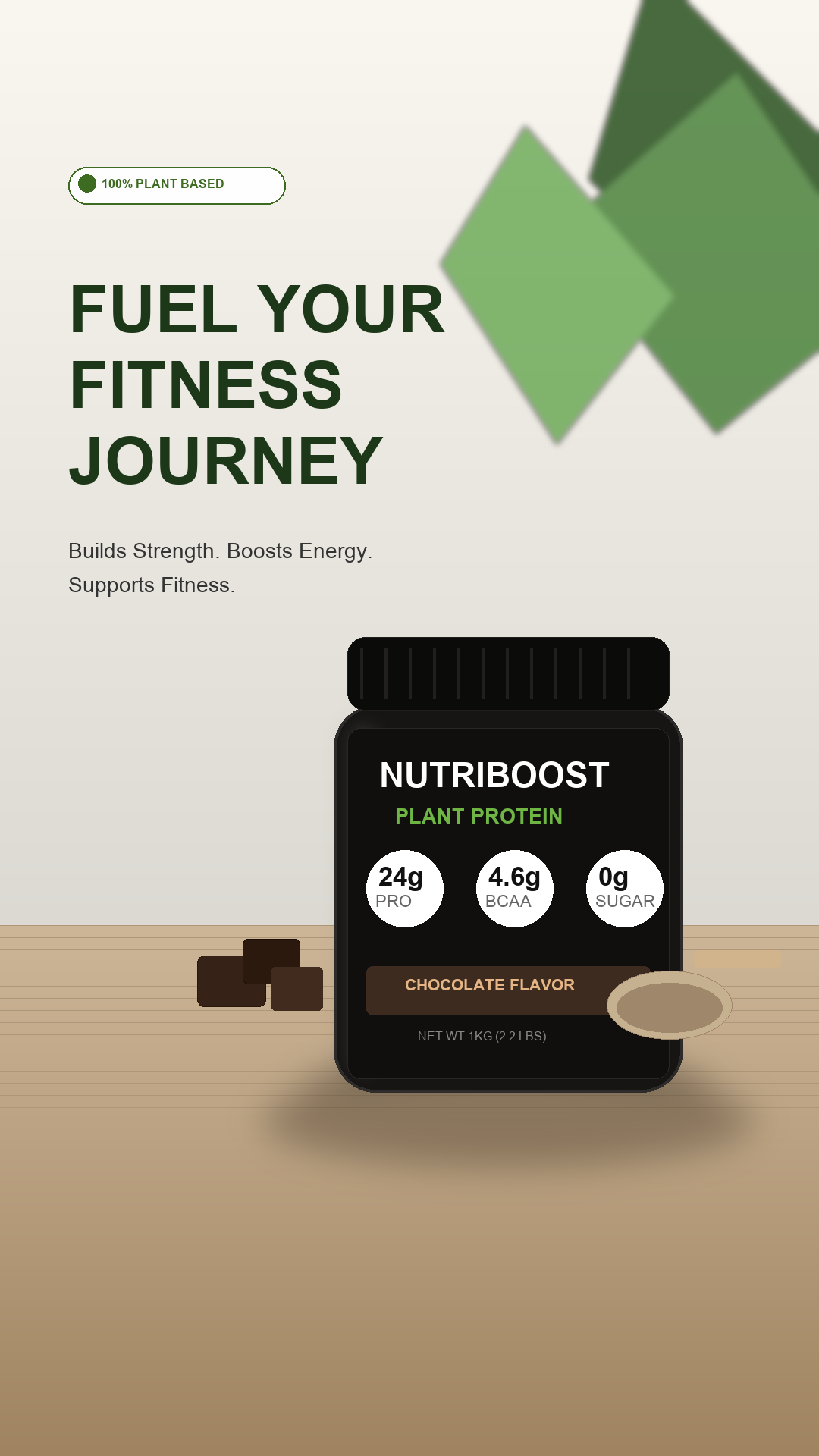




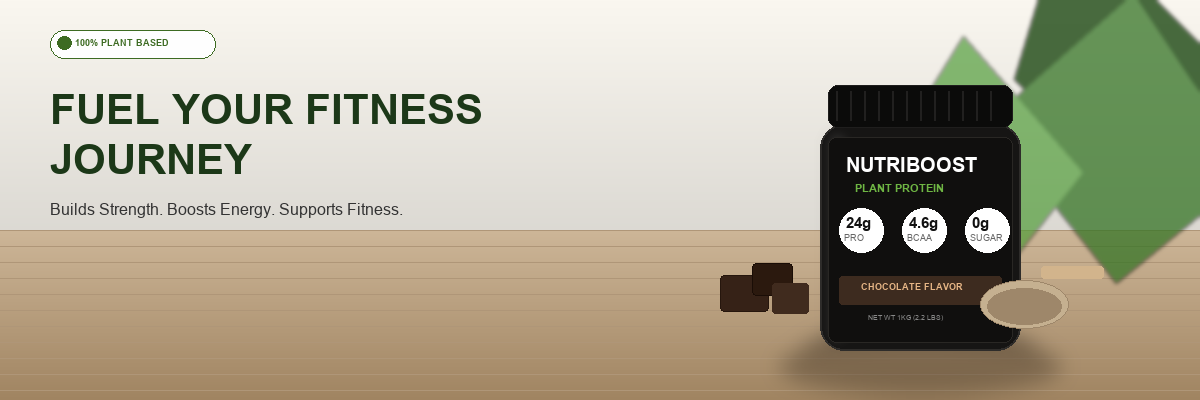
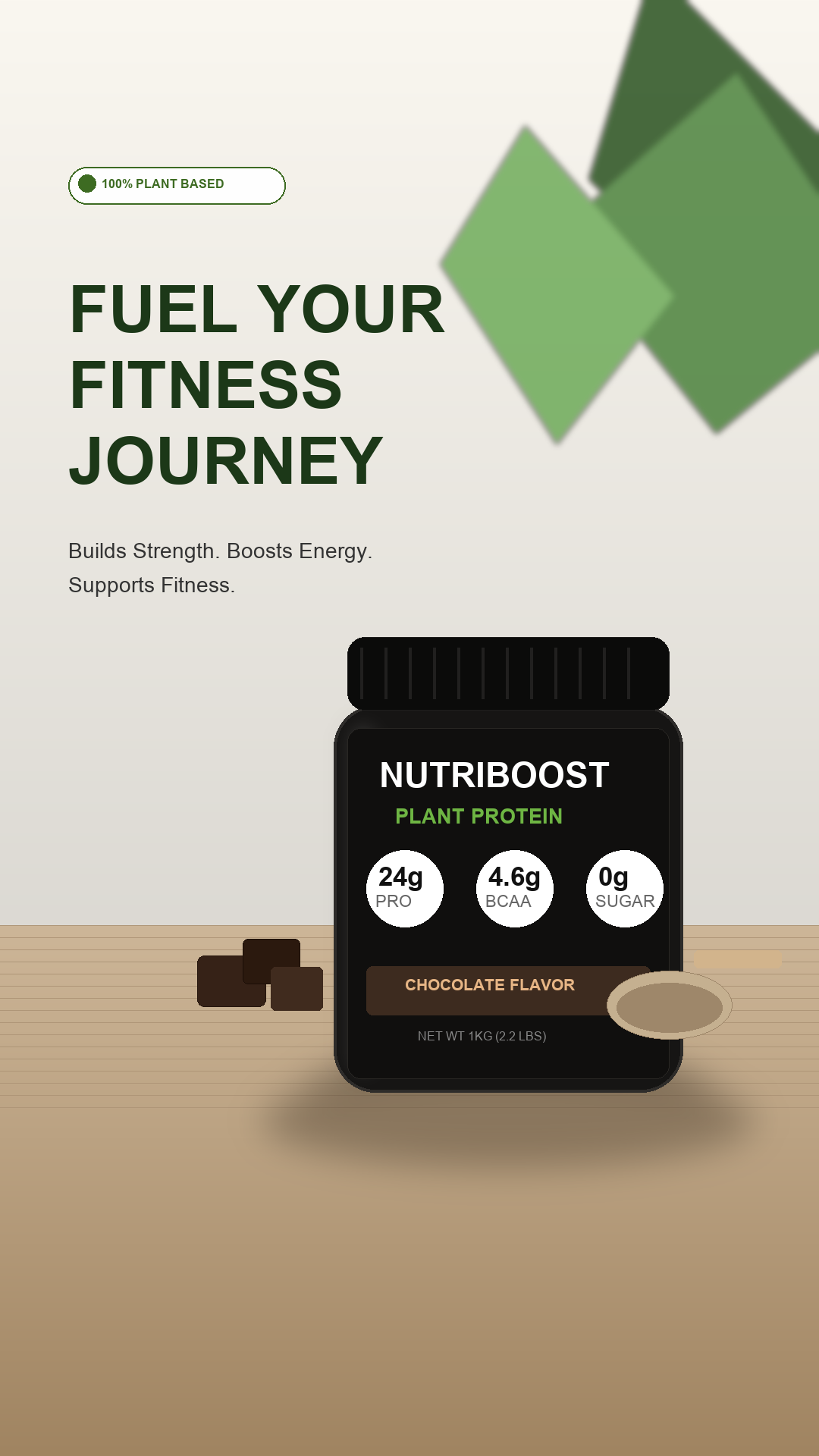
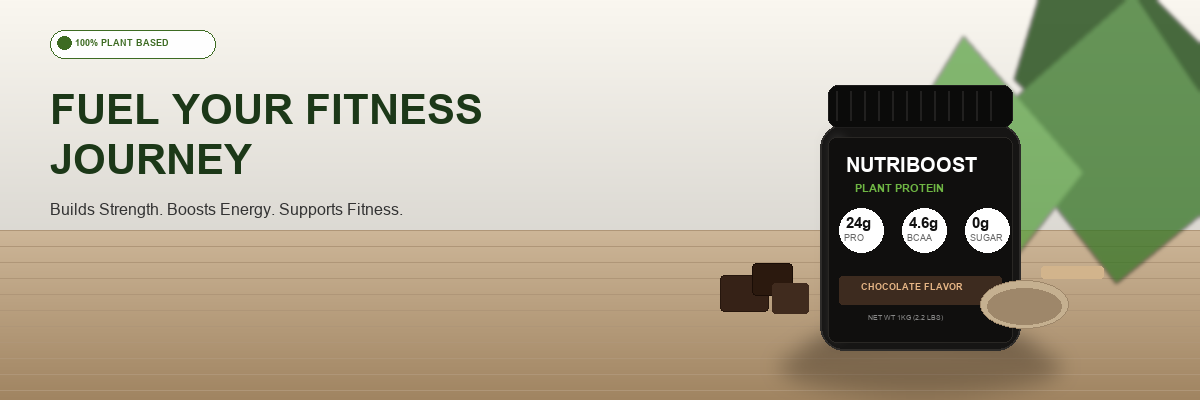

Custom Size
Set your own dimensions
Summary
Total Platforms
15Total Formats
15Custom Sizes
1Estimated Output
16
CreativesAll formats will be included in your ZIP file.
Save 90% time
Resize once, repurpose everywhere.
Pro Tip
You can fine-tune each format in the preview step before downloading.
AI-Powered Cropping
Auto-detects main subject
Smart Layout Adaptation
Optimizes composition
Maintain Quality
High-resolution output
Brand Safe
Consistent style & assets